
Automation for work you shouldn’t be doing by hand
If you copy the same data from one system to another, update stock by hand or lose hours to reports, that work is a good candidate for automation. I work out what is worth automating and build it so it runs reliably in the background.
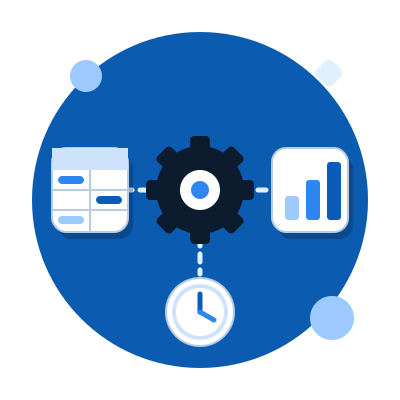
What you get
Data imports and syncing
Products, prices and stock from suppliers or from your business system flow into your store or site automatically, on a schedule or whenever something changes.
Automated workflows and notifications
An order triggers an invoice, a notification or a task. Customers and your team get the right information at the right time, with no manual sending.
Reports and monitoring
Regular reports on sales, stock or price changes arrive on their own. If something drifts, you get an alert instead of finding out too late.
Reliability first
Automation has to work when nobody is watching. So I add logging, retries and clear alerts on failure, which means you always know what happened.
Only what pays off
Before building, I estimate how much time the automation saves and what it costs. If it doesn’t pay off, I’ll tell you.
What this looks like in practice
Connection to a business system
The store sends invoices and goods receipts and syncs stock with your business software, with no manual entry.
Product imports
Supplier data flows into the store as drafts, ready to review.
Speed and stability
I measure where an application loses time and fix the bottleneck, not just the symptom.
Selected work


See my other services
What do you want to solve?
Tell me what you need or where you’re stuck: a new site, a store, a tool or an automation. I’ll reply personally.